Everything you need to write about Cats Lock: assets, copy, contacts. For questions or a review build, email meow@catslock.app.
⬇ Download all assets (ZIP)Cats Lock blocks your Mac's keyboard with a customizable global shortcut so your cat can walk on it without derailing your work. New: Smart Detect can lock the keyboard on its own when it senses cat-style typing, an opt-in beta. Stealth Lock stays silent for meetings. $2.99 one-time, sandboxed, no subscriptions.
Cats Lock is a Mac desktop app for people who share a desk with a cat. A customizable global shortcut (default ⌘L) locks the keyboard from any app, so your cat can settle in for a nap, walk across the keys, or knead the trackpad without sending chaos into your active document. New in version 1.4: Smart Detect can lock the keyboard on its own the moment it senses cat-style typing, so you do not even need the shortcut. It is opt-in, runs entirely on your Mac, and starts as a beta. You can also lock just the laptop's built-in keyboard while you keep typing on an external, and it unlocks automatically when you unplug the external. A friendly overlay and a customizable warning sound mark each blocked keypress; Stealth Lock keeps the lock silent and invisible for meetings. Optional toggles hide the app from the Dock and prevent the Mac from sleeping while locked. Fully sandboxed for the Mac App Store, no account, no analytics, $2.99 one-time. Built by indie developer Todd Alexander for him and his cat to enjoy.
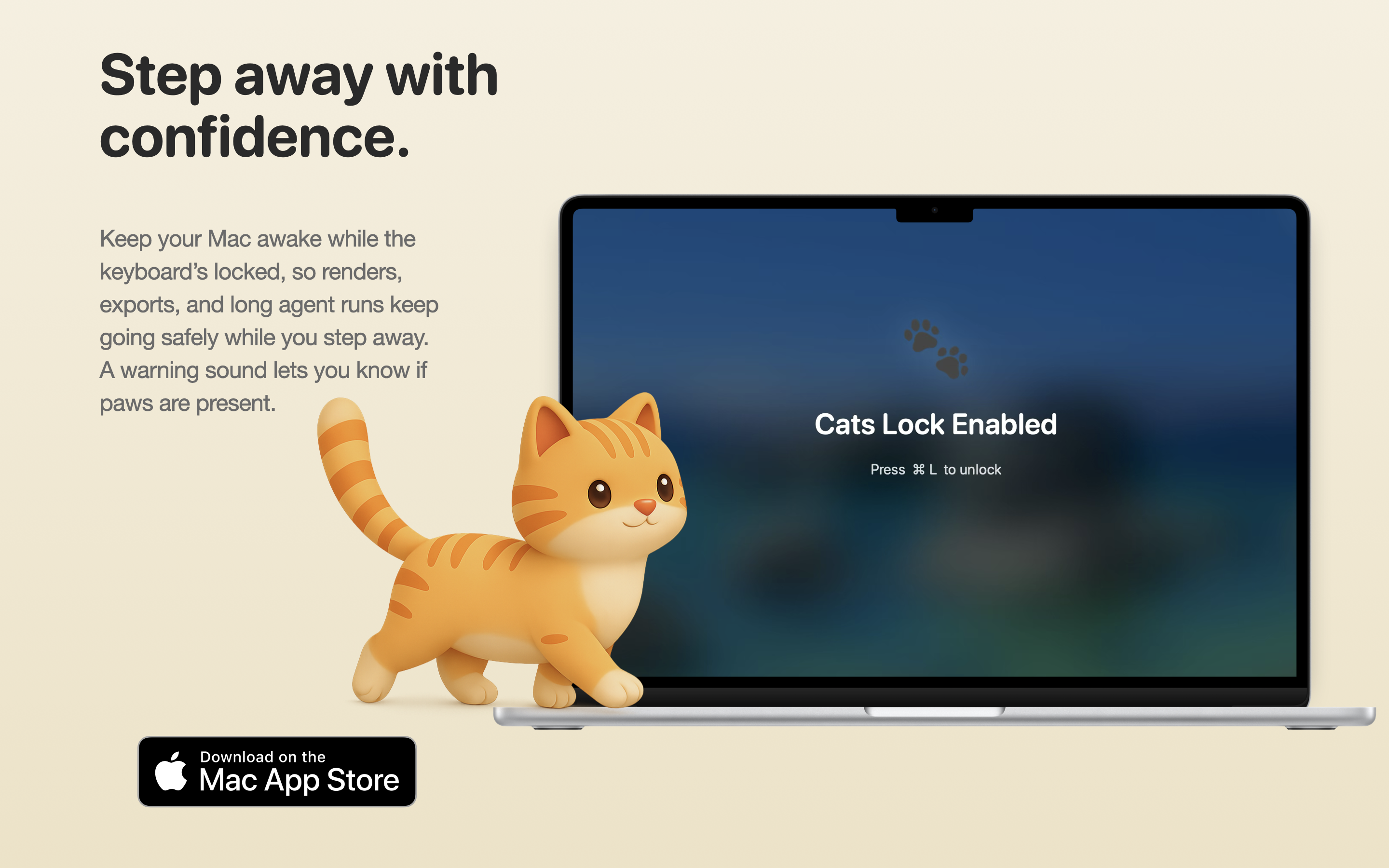
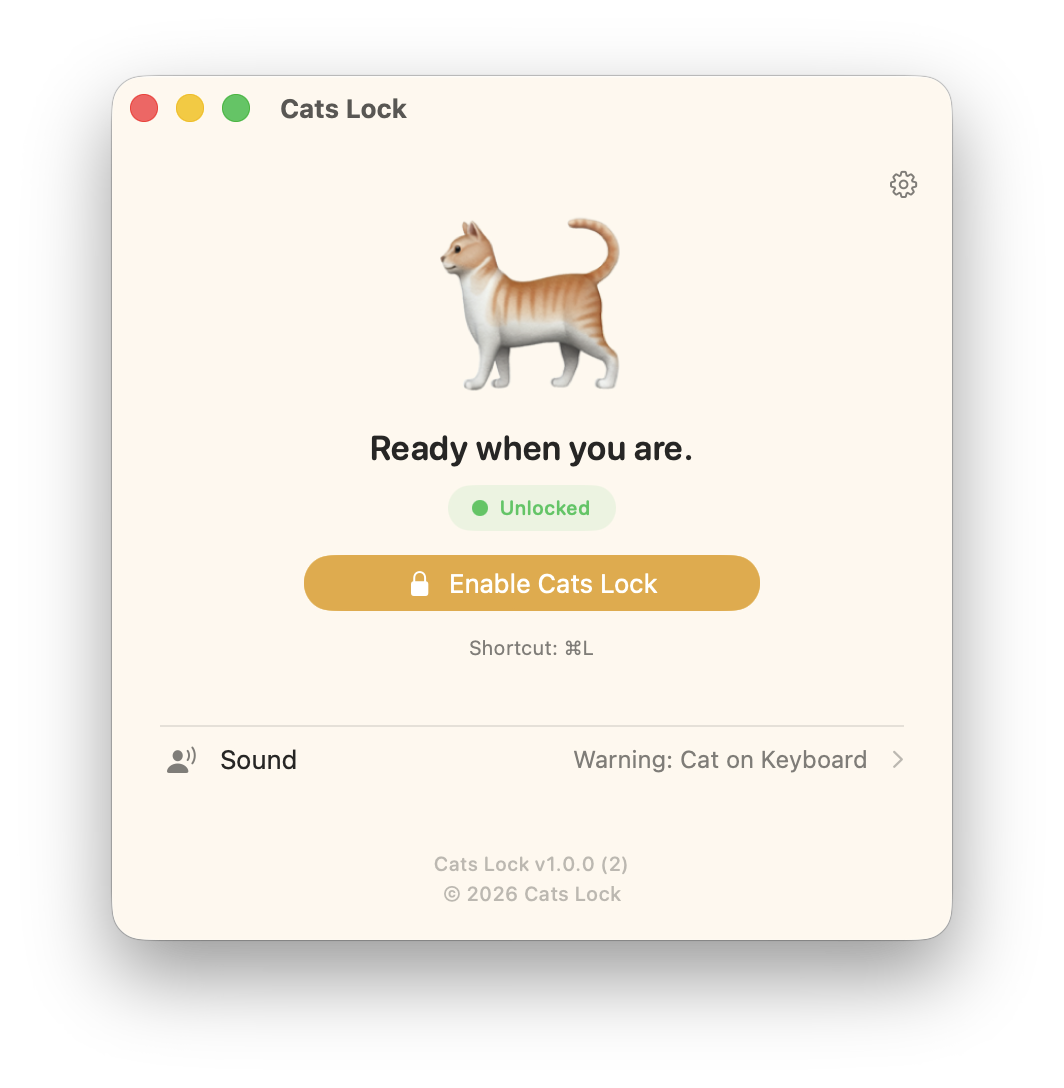
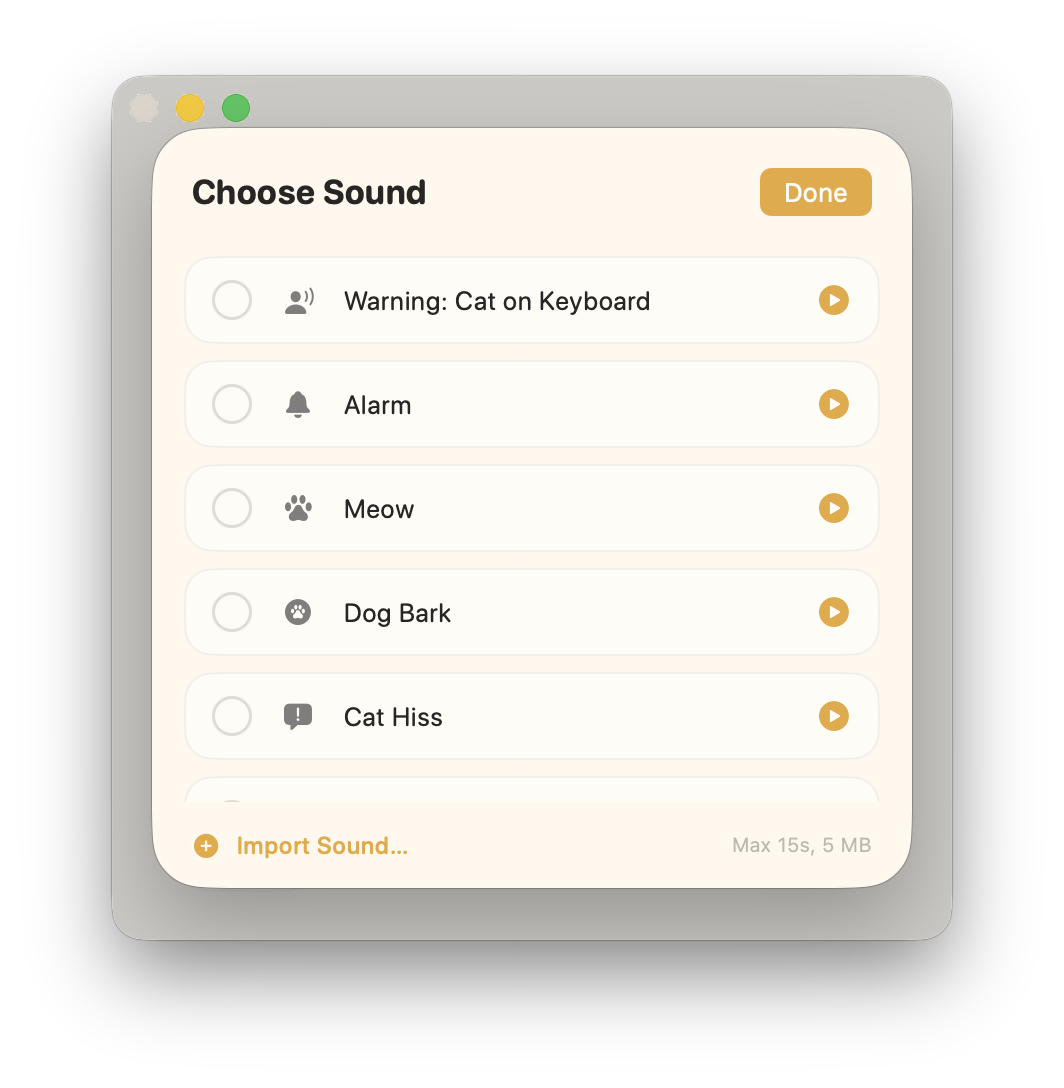
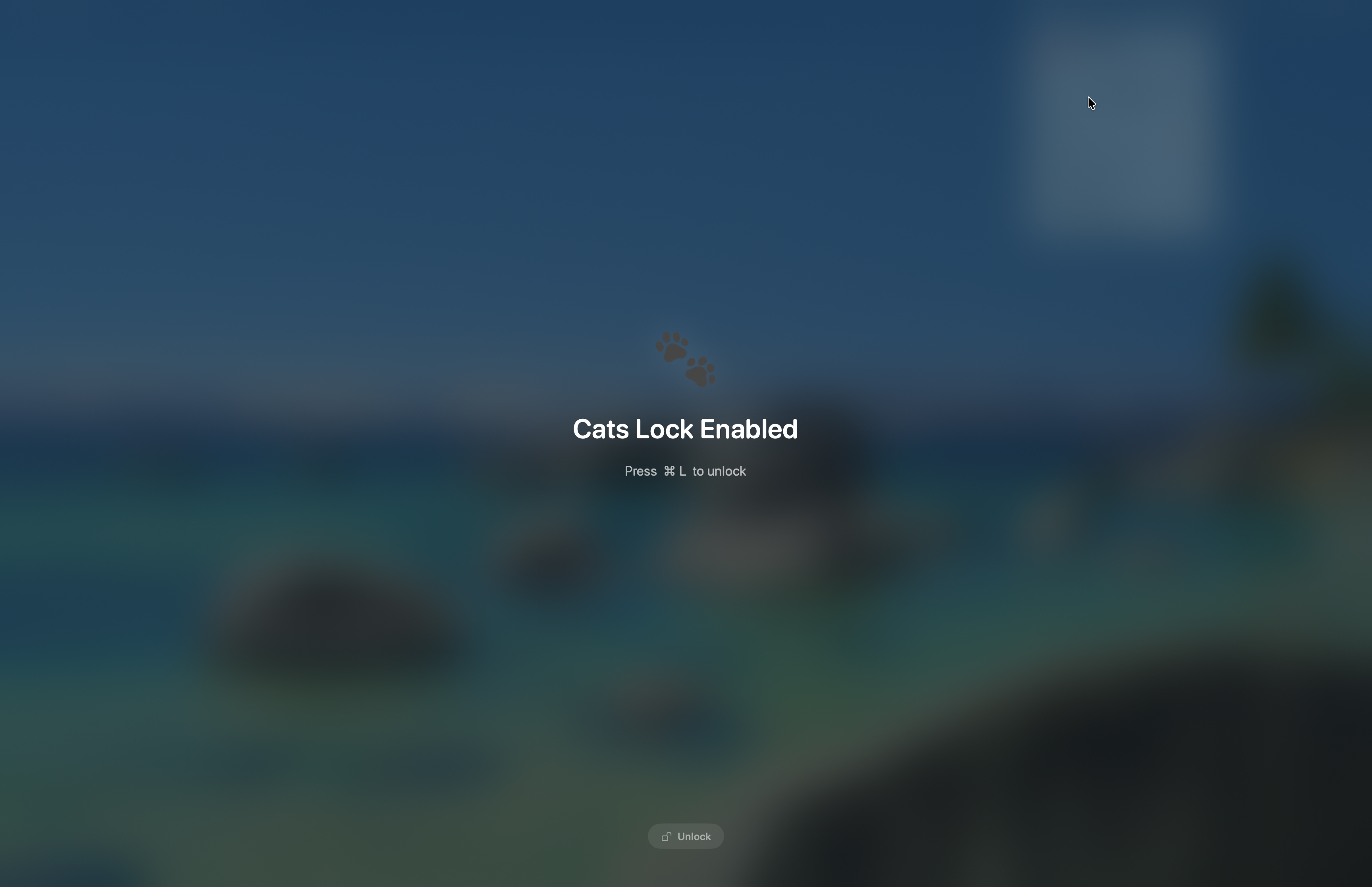
Cats Lock is a Mac desktop app for people who share a desk with a cat. The interaction is intentionally minimal: one press of a customizable global shortcut (default ⌘L) locks the keyboard from any app, so your cat can stretch out, walk across the keys, or settle in for a nap without sending anything into your active document. While locked, a friendly full-screen overlay shows the lock state, and a customizable warning sound plays on each blocked keypress. Useful as an audible cue from the next room when your cat has joined the keyboard while you're away from the desk, or just pure enjoyable and shareable content.
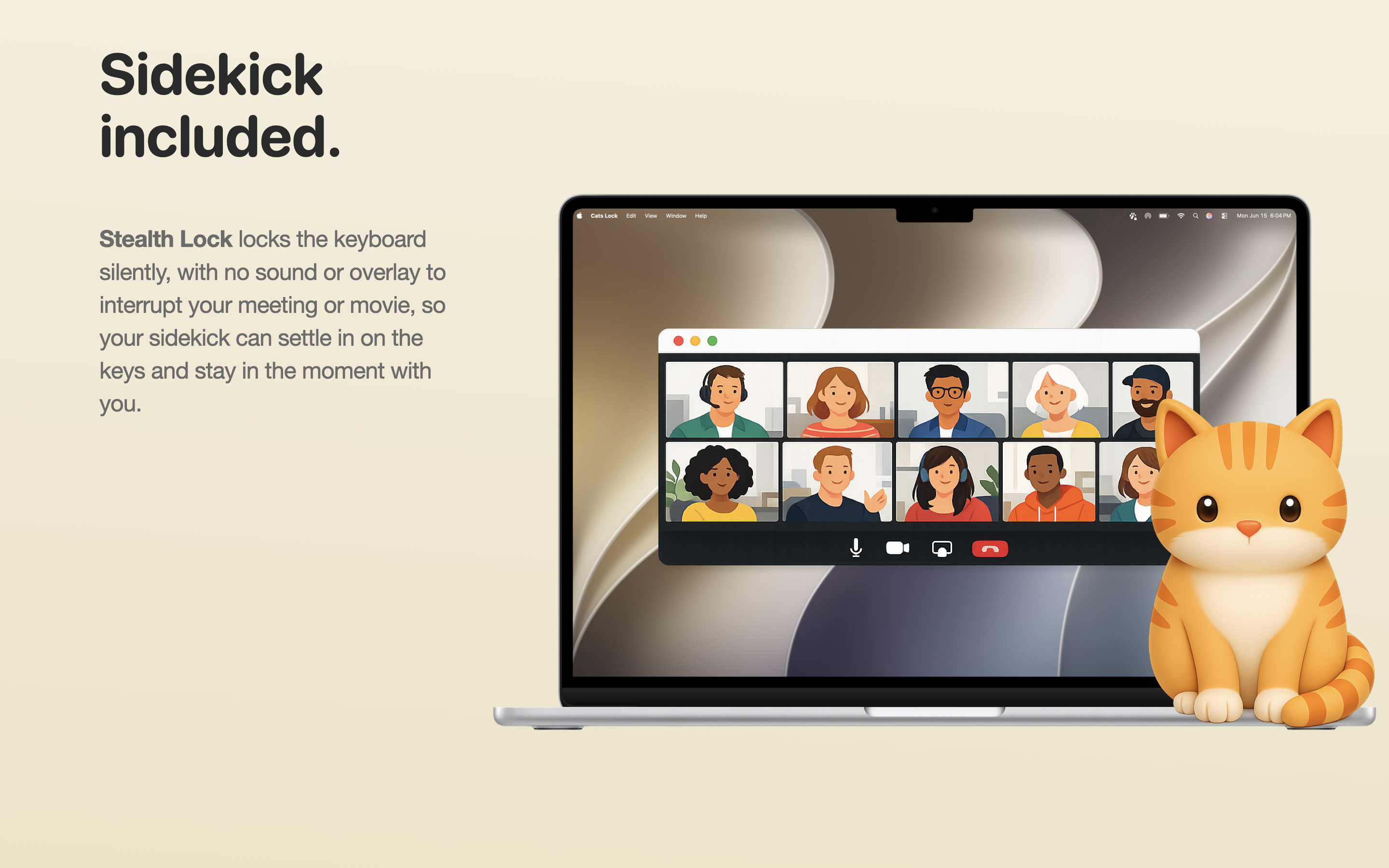
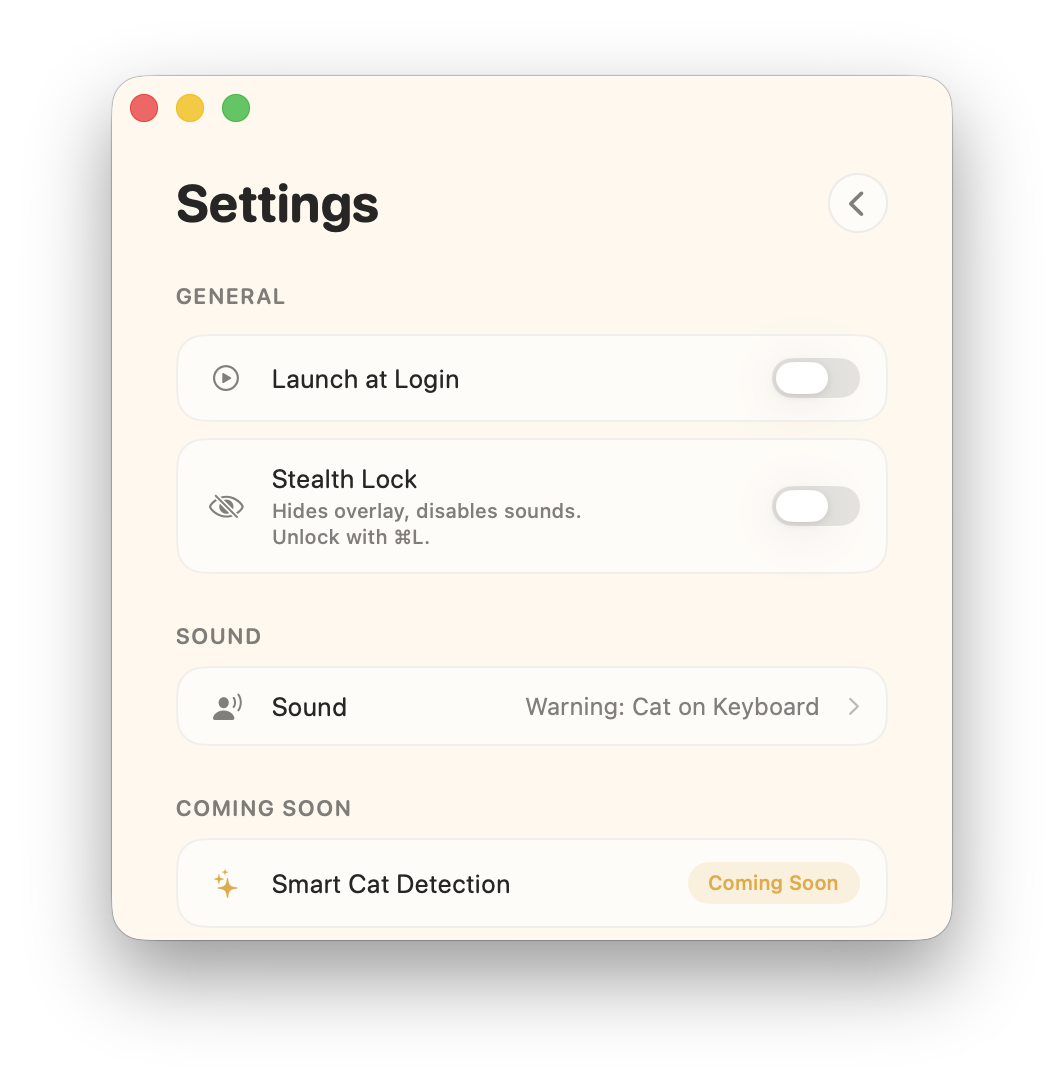
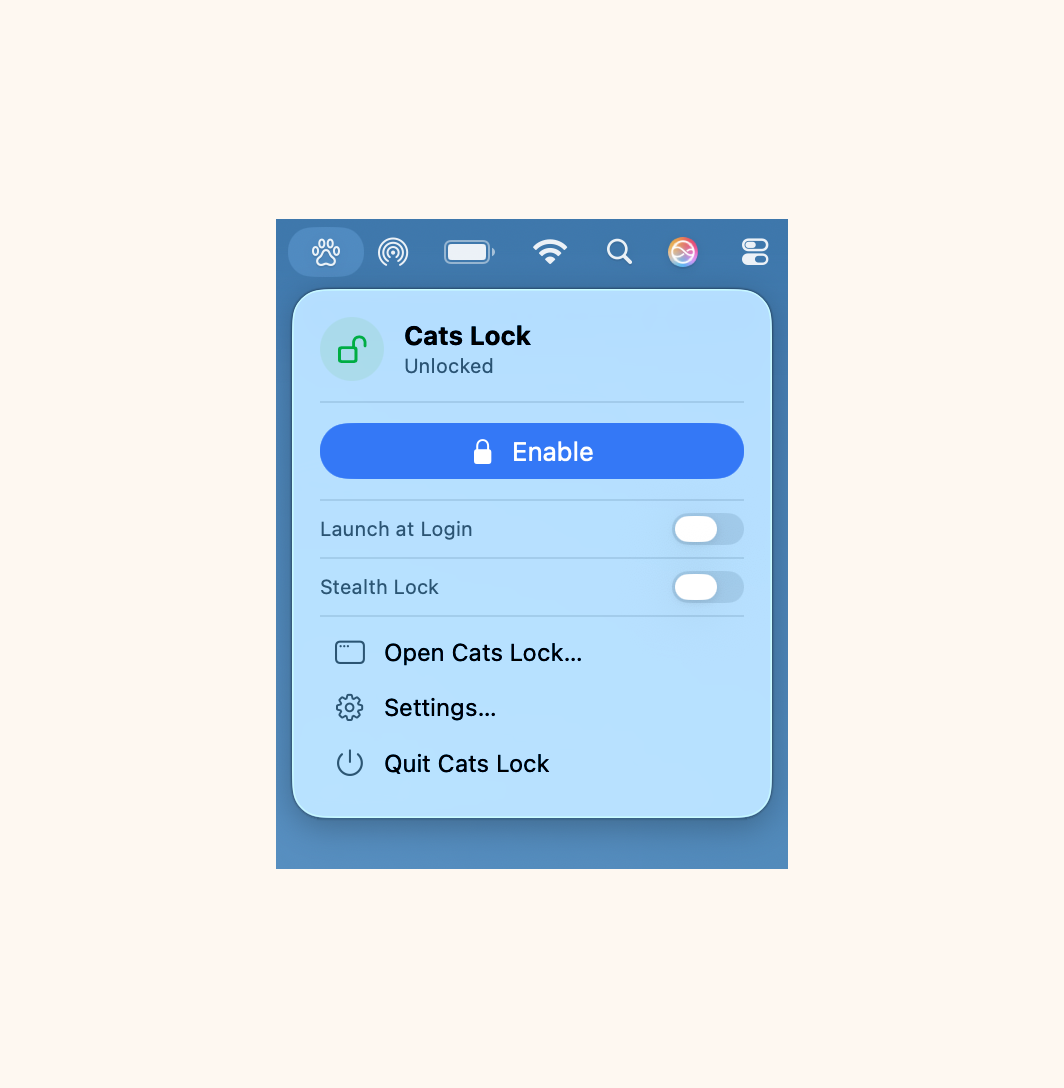
Stealth Lock mode swaps that experience for a silent, invisible variant. The keyboard is still blocked, but no overlay appears and no sound plays, which is helpful if you want to lock the keyboard during a meeting, recording, or call without any visual or audio side effect. Unlock always uses the configured shortcut.
Version 1.4 introduces Smart Detect, an opt-in beta that watches for cat-style typing, such as several keys held down at once or rapid scattered bursts, and engages your lock on its own so you do not have to reach for the shortcut. It runs entirely on your Mac, reads only the timing and shape of keystrokes rather than anything you type, and never uses Input Monitoring. Every automatic lock includes a one-tap way to say it guessed wrong, which helps the detection improve.
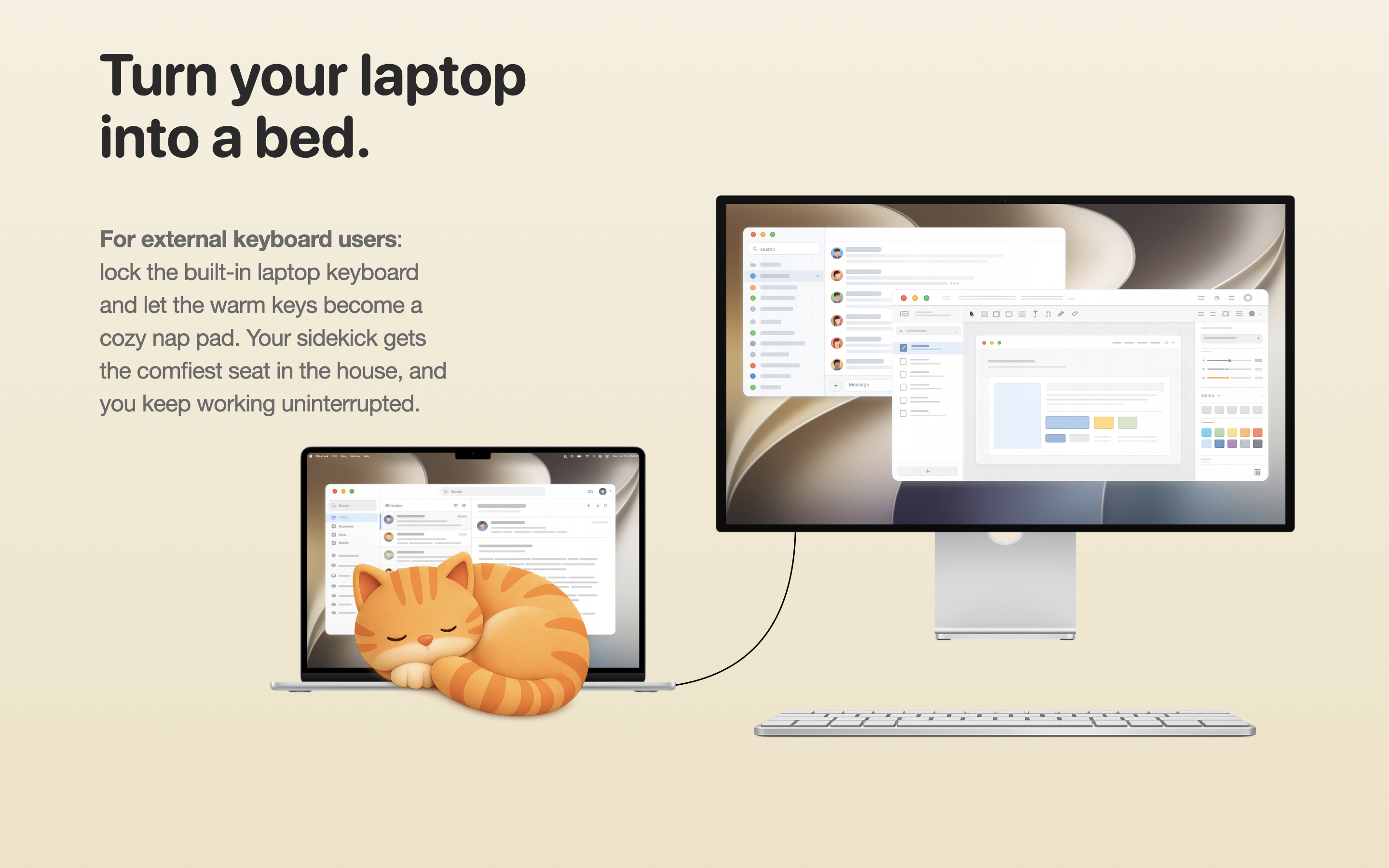
Version 1.3 adds an external-keyboard mode for a common setup: a laptop on a desk with a separate keyboard and mouse. Turn on Lock built-in keyboard, and your shortcut locks just the MacBook's own keyboard while the external keeps working, with no overlay and no sound. Add an external mouse and it locks the built-in trackpad too, so a cat on the laptop cannot move the cursor, click, or scroll. It is built for the moment a cat decides the warm laptop is the best seat in the house, letting it settle on the built-in keys while you keep working. The mode appears only when an external keyboard is connected, and the built-in unlocks immediately if that keyboard is unplugged, so you are never locked out of your own Mac.
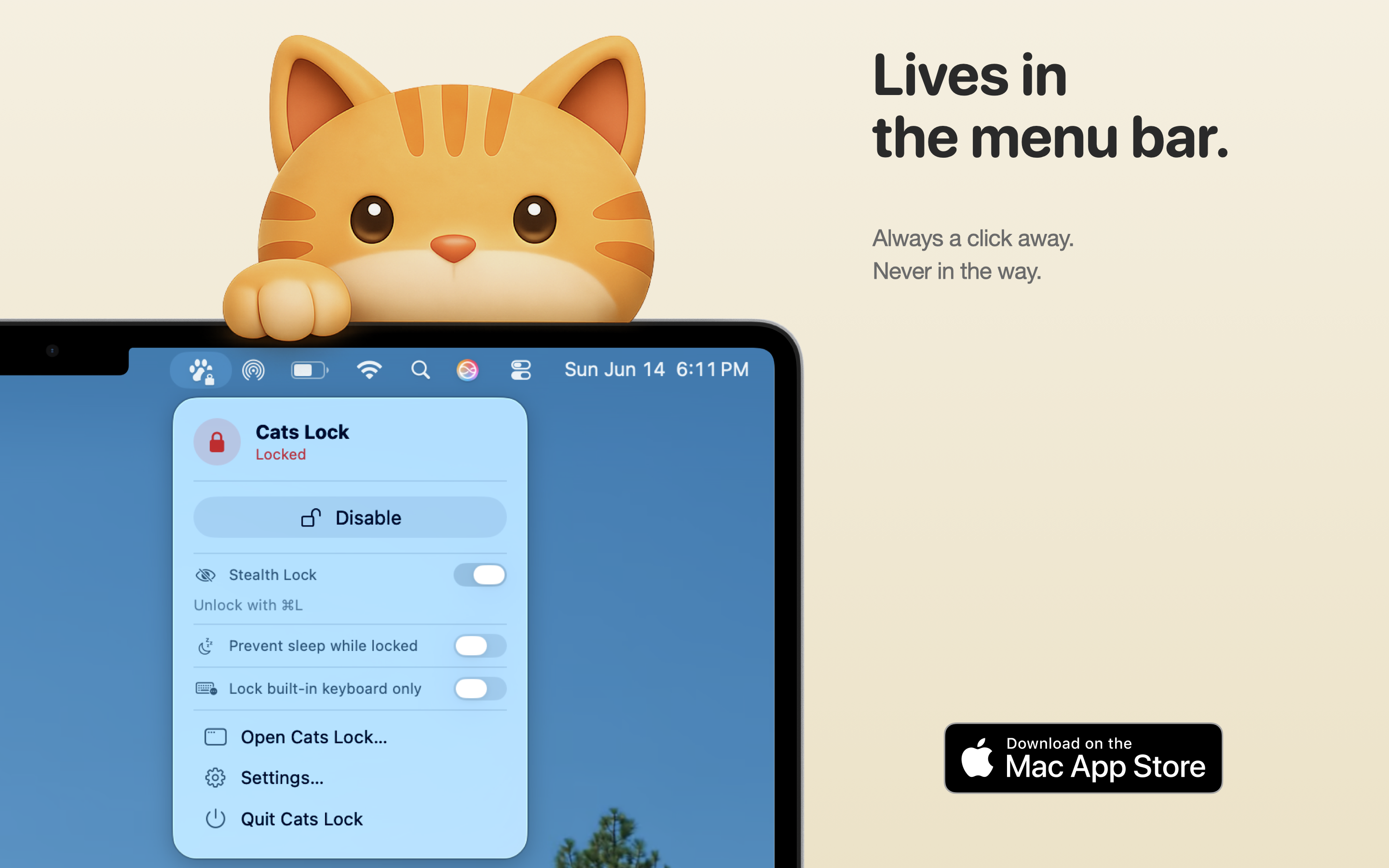
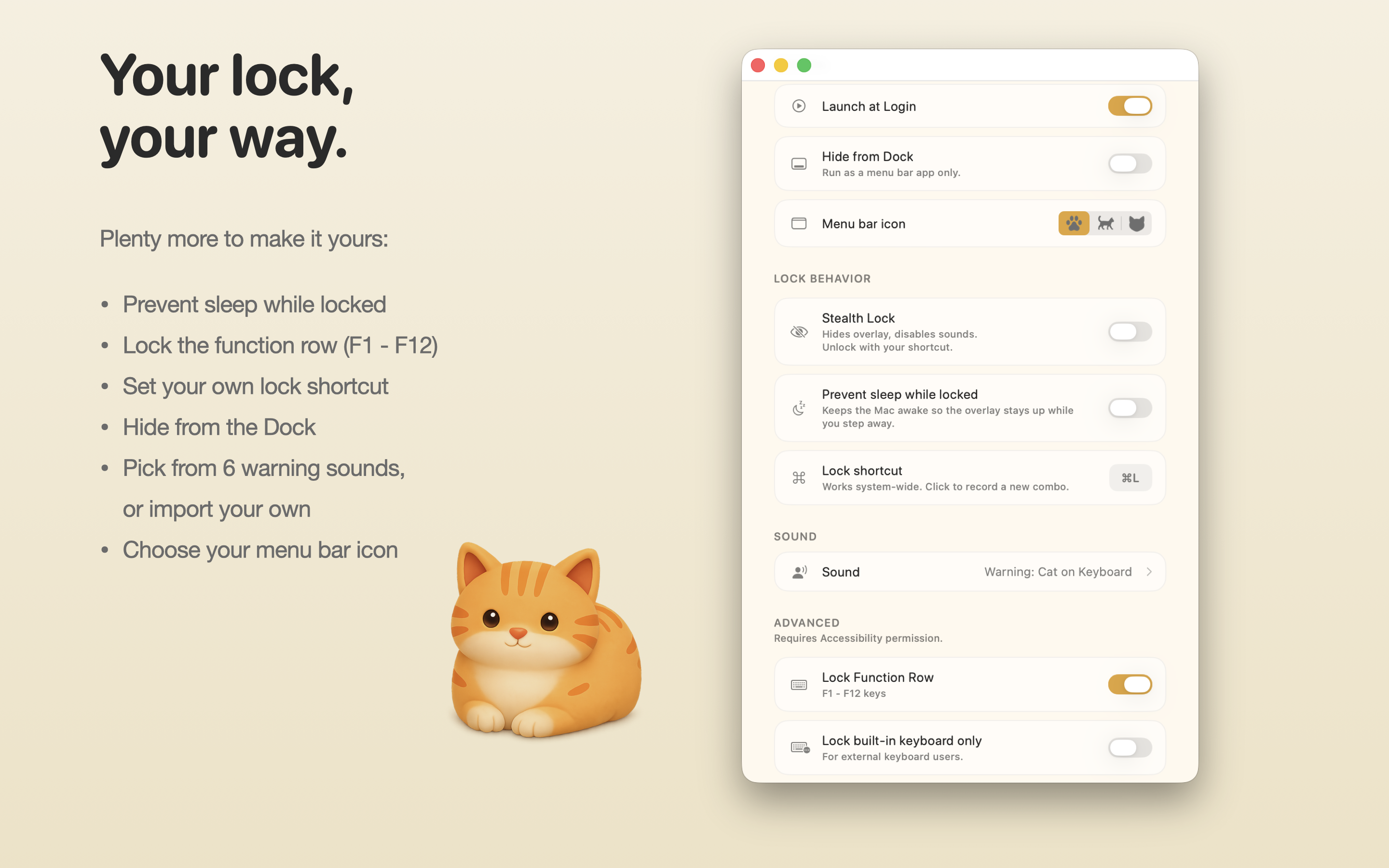
Two optional toggles round out the experience: Hide from Dock turns Cats Lock into a pure menu-bar app with no Dock icon and no Cmd+Tab presence, and Prevent Sleep While Locked holds the display awake so the overlay stays visible if you step away from the desk. Launch at Login is supported through the system service so the menu bar icon is ready when your Mac boots.
Cats Lock is built fully within the App Store sandbox, with no analytics SDK, no account creation, and no telemetry. The core lock needs no special permissions; the only features that request Accessibility are the optional function-key lock, the built-in keyboard and trackpad lock, and Smart Detect, all of which stay off unless the user turns them on. It is sold for $2.99 as a one-time purchase with no subscription tier and no upsells. The app launched on the Mac App Store on May 15, 2026.
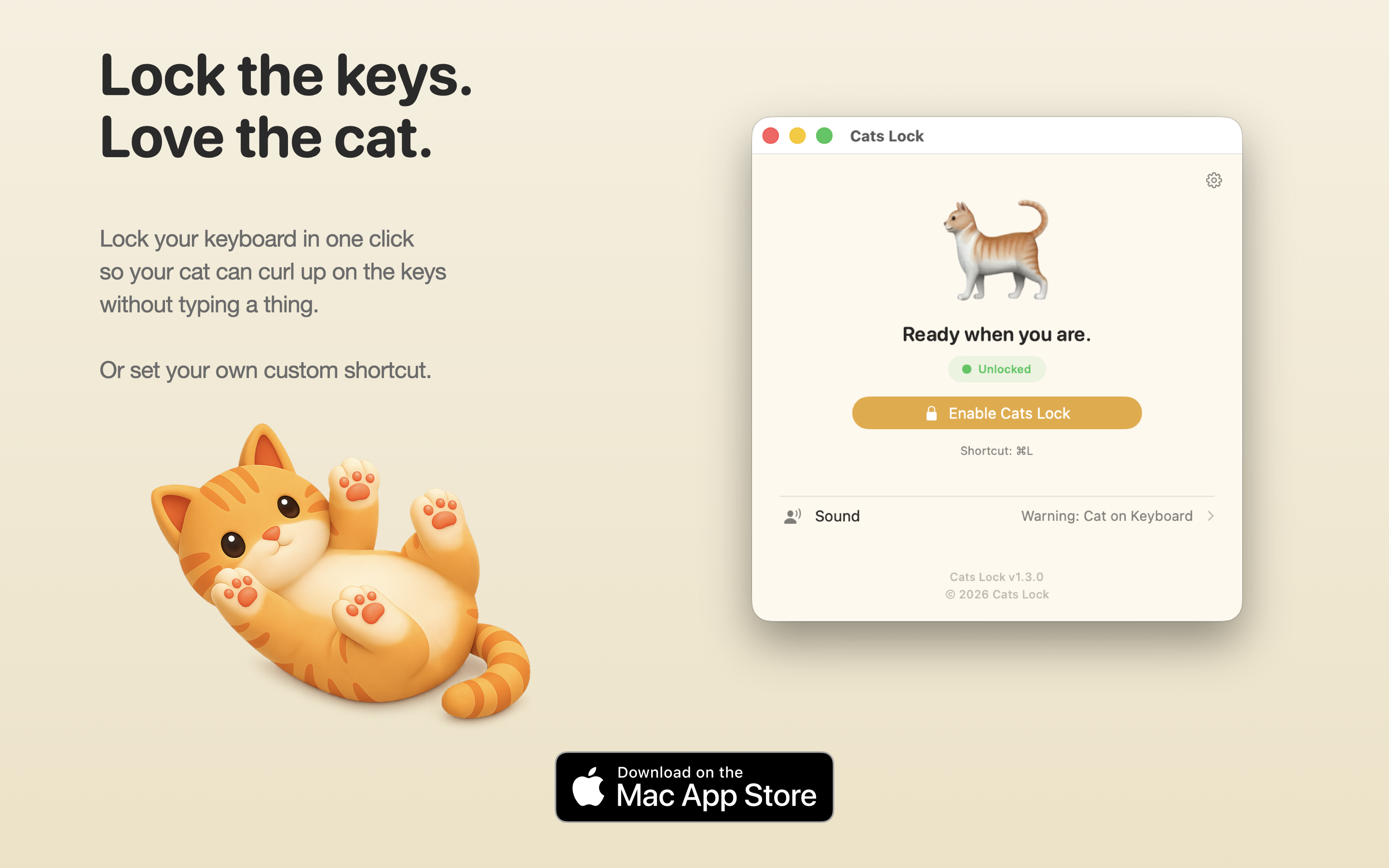
Branded 16:10 hero images for article leads, App Store roundups, and social previews.
Clean window grabs with system chrome. Best for inline article use, annotation, or zooming into specific UI elements.
Watch on YouTube. For a downloadable MP4 or review build, email meow@catslock.app.
Todd Alexander is a Senior Software Engineer at Paramount and independent Mac developer based in Los Angeles. Cats Lock is his first solo Mac App Store release.
LinkedIn: linkedin.com/in/toddalex